
1
Add your IPTV source
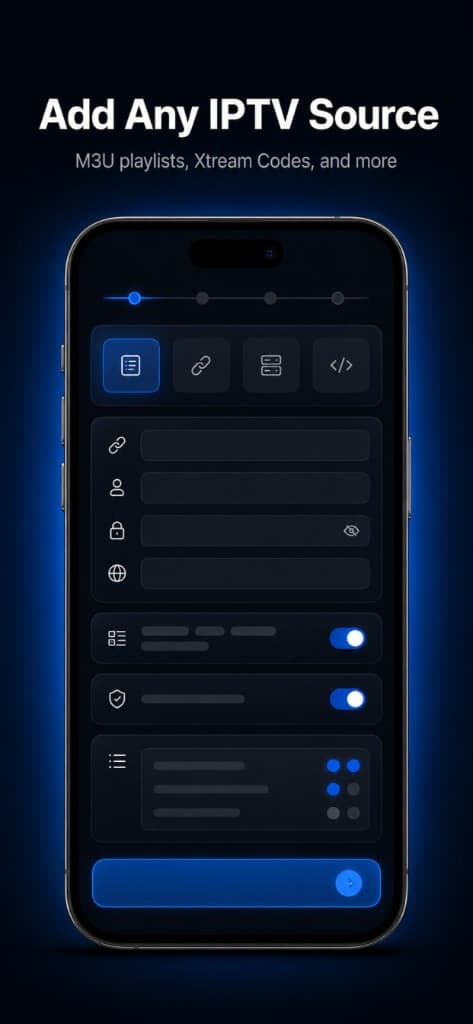
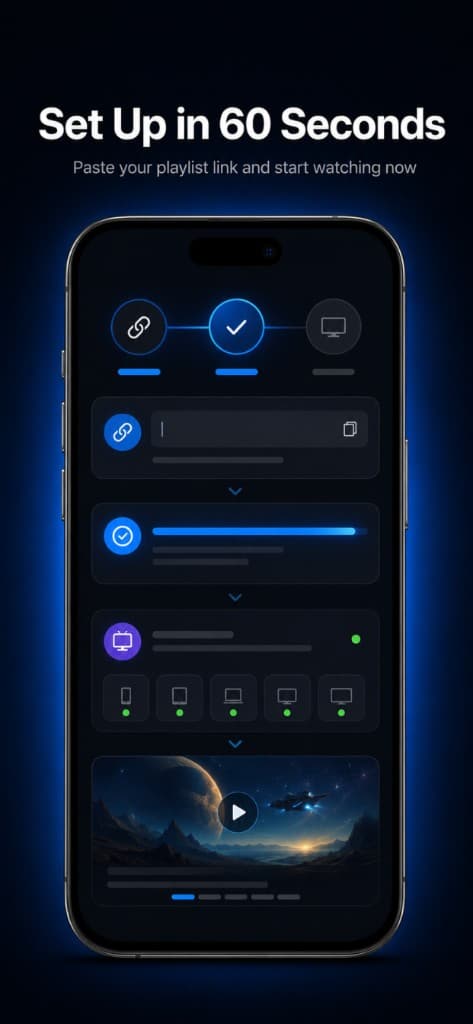
Paste your M3U playlist URL or Xtream Codes details from a source you already use and are authorized to access.
Add your authorized IPTV/M3U source, organize your channels, search faster, and watch across iPhone, iPad, Mac, and Apple TV.
StreamLucid is a media player. You provide your own authorized IPTV source.
Paste your M3U playlist URL or Xtream Codes details from a source you already use and are authorized to access.
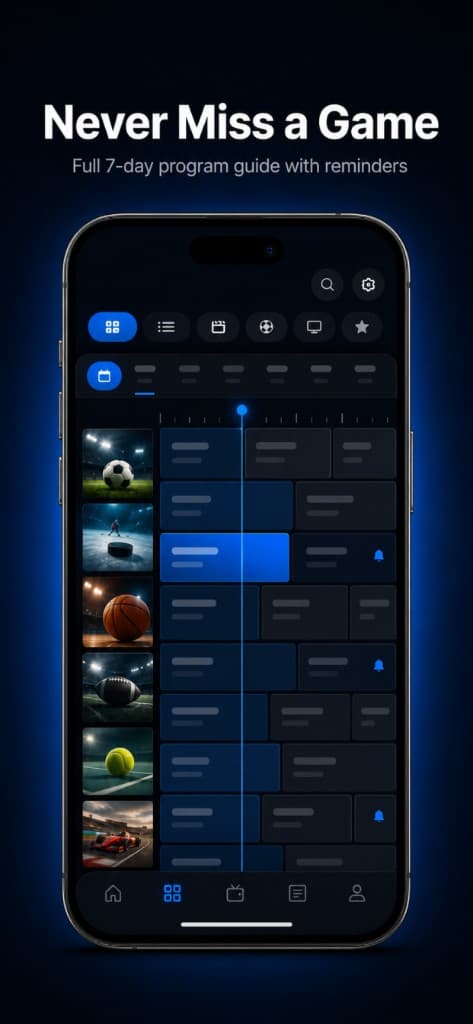
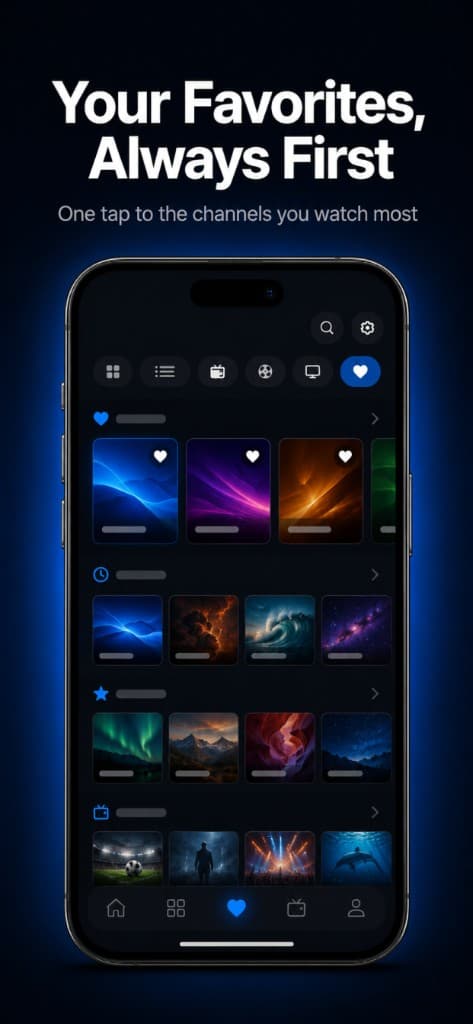
Organize channels, categories, favorites, and guide data. StreamLucid populates your program guide automatically.
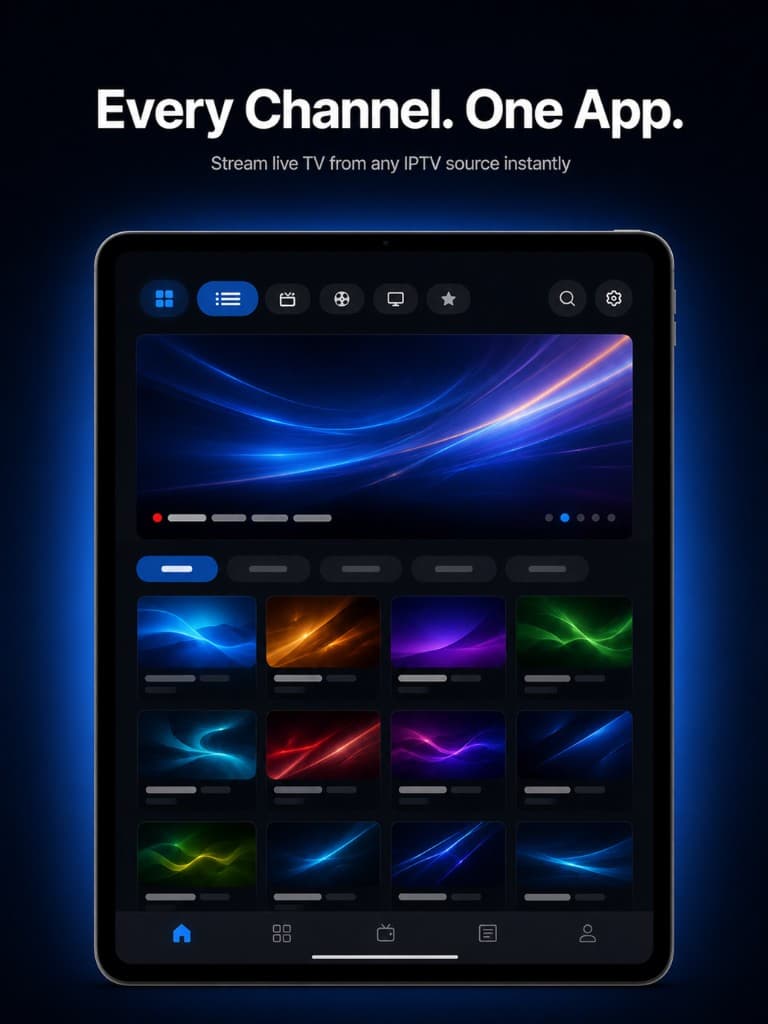
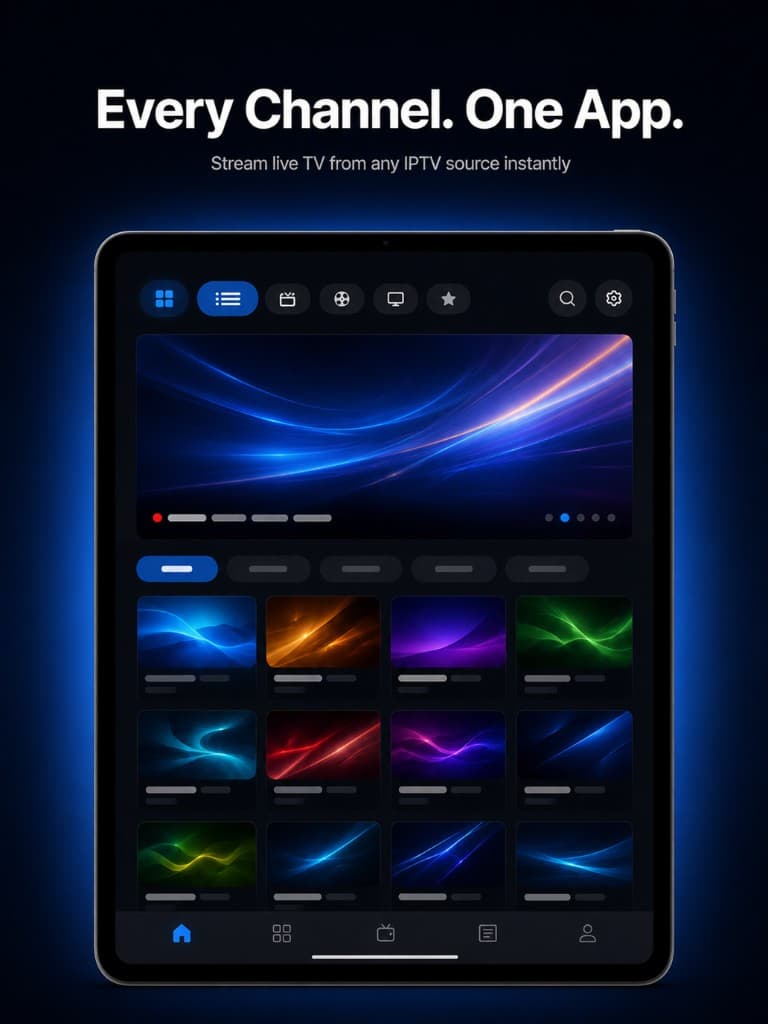
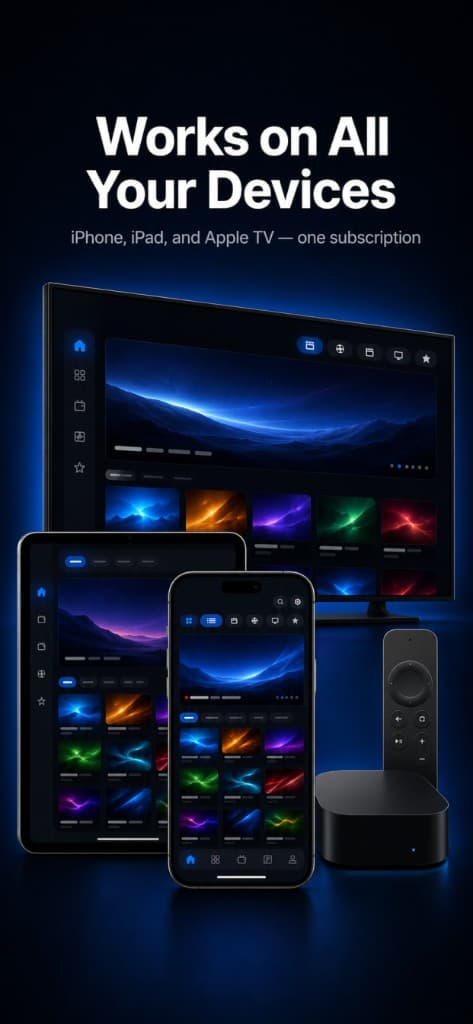
Use StreamLucid across iPhone, iPad, Mac, and Apple TV. Pro syncs your sources and favorites via iCloud.
Large IPTV playlists can have messy IDs, missing schedules, and huge XMLTV files. Guide Cloud improves EPG matching for your own IPTV sources by processing guide metadata in the cloud.
Guide Cloud works only with IPTV sources you add. StreamLucid does not provide or unlock television content.
Connect an authorized IPTV/M3U source you already use. Organize every channel in a native live TV guide — with Guide Cloud, cloud sync, and smart search in Pro.
Paste an M3U playlist or Xtream Codes details from a source you are authorized to use. StreamLucid organizes your channels — we do not provide television content.
Build a live TV guide from your playlist. Browse by category, see what's on now, and save favorites for quick access.
Improve EPG matching for your IPTV source. Guide Cloud processes guide metadata in the cloud so your Apple devices get compact, accurate results instead of huge XMLTV files.
StreamLucid runs natively on Mac, Apple TV, iPhone, and iPad — the same clean guide experience on every screen.
Upgrade to Pro and sync your IPTV sources and favorites across devices via iCloud. Your guide follows you everywhere.
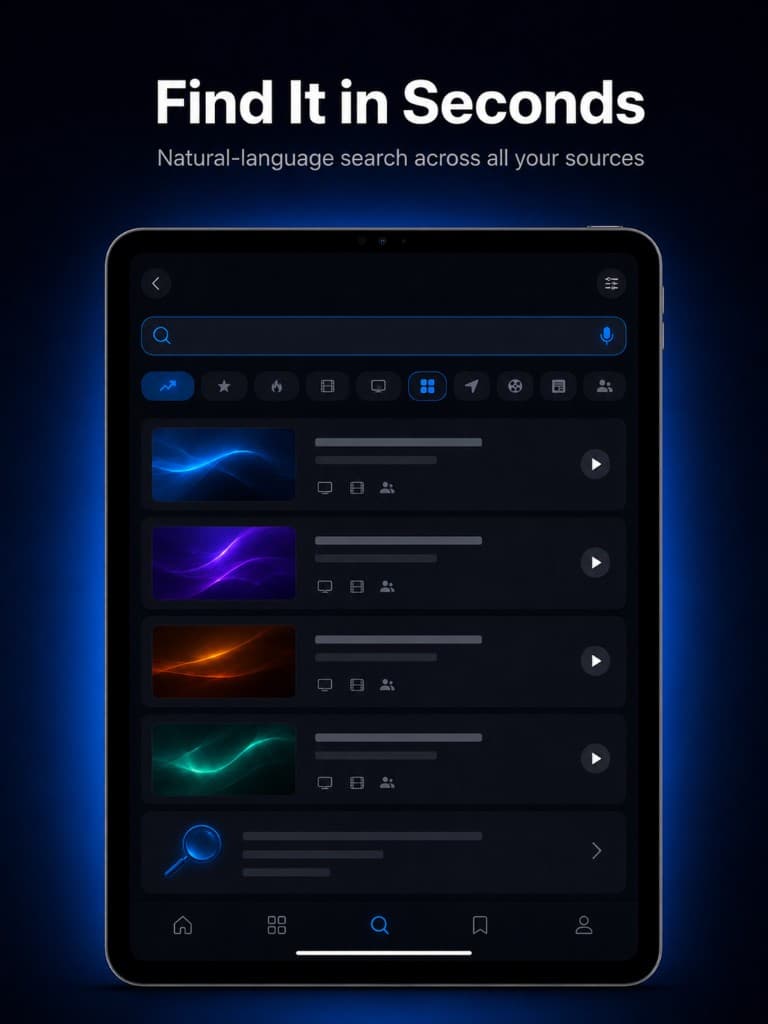
Find channels faster with advanced search and organization built for large IPTV playlists.
A native live TV guide for your own IPTV sources — on Mac, iPhone, iPad, and Apple TV.
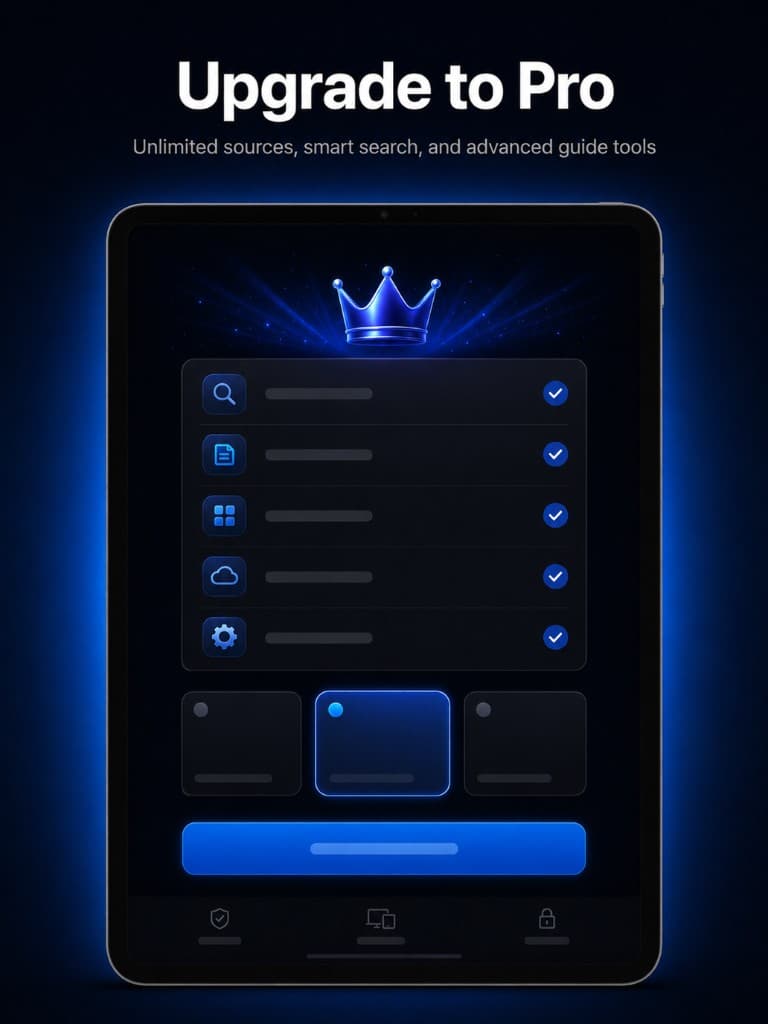
Cloud sync, smart search, and Guide Cloud for your own IPTV sources.
$0 forever
$4.99 per month
StreamLucid Pro unlocks app features only. It does not provide or unlock television content.
StreamLucid is a media player and guide organizer. Users are responsible for adding authorized IPTV/M3U sources. StreamLucid does not host, sell, provide, unlock, or redistribute television content.
Download StreamLucid on Mac, iPhone, iPad, or Apple TV. Connect your authorized IPTV source and unlock Guide Cloud, cloud sync, and smart search with Pro.
StreamLucid is a media player. Users may add their own IPTV/M3U sources. StreamLucid does not host, sell, or redistribute paid television content.
Terms of Use · Privacy Policy